01 / 05
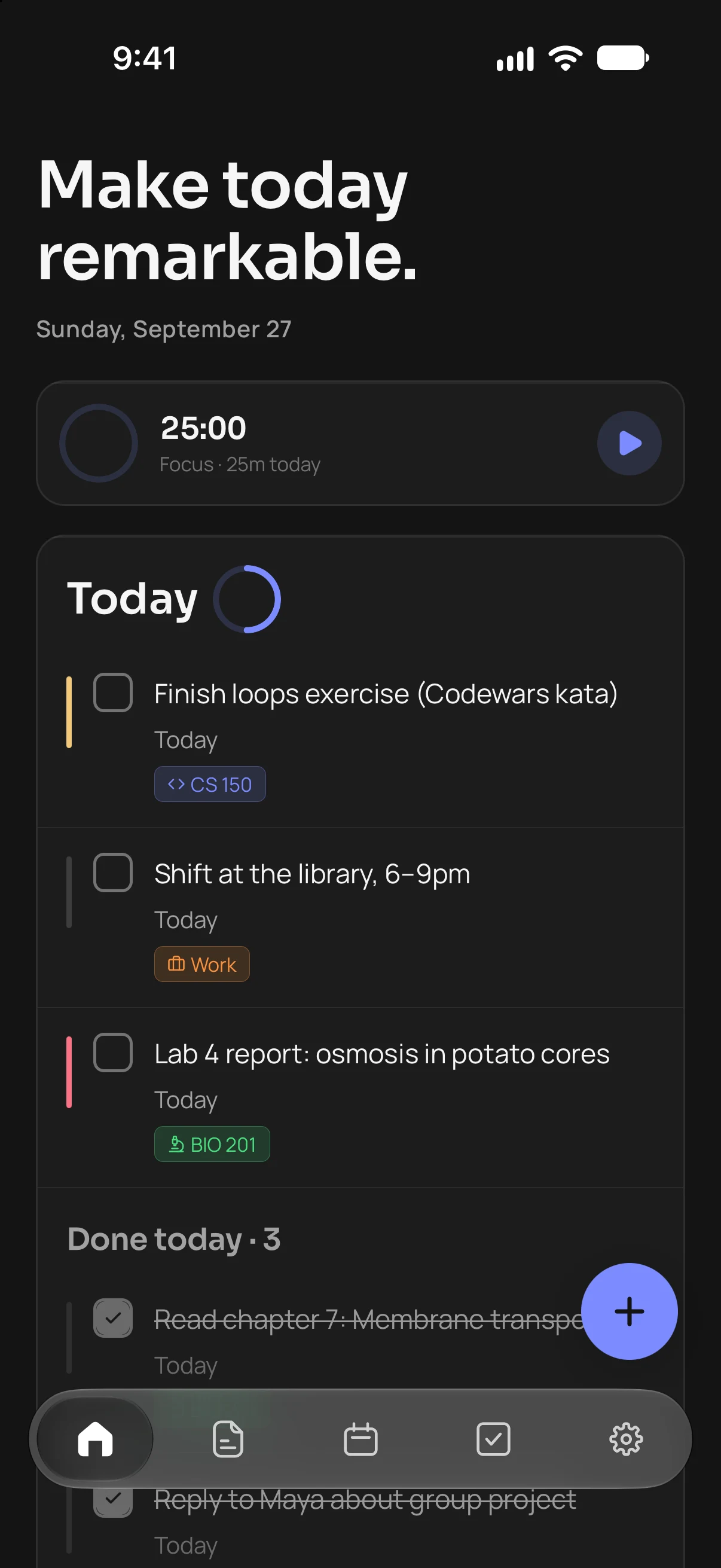
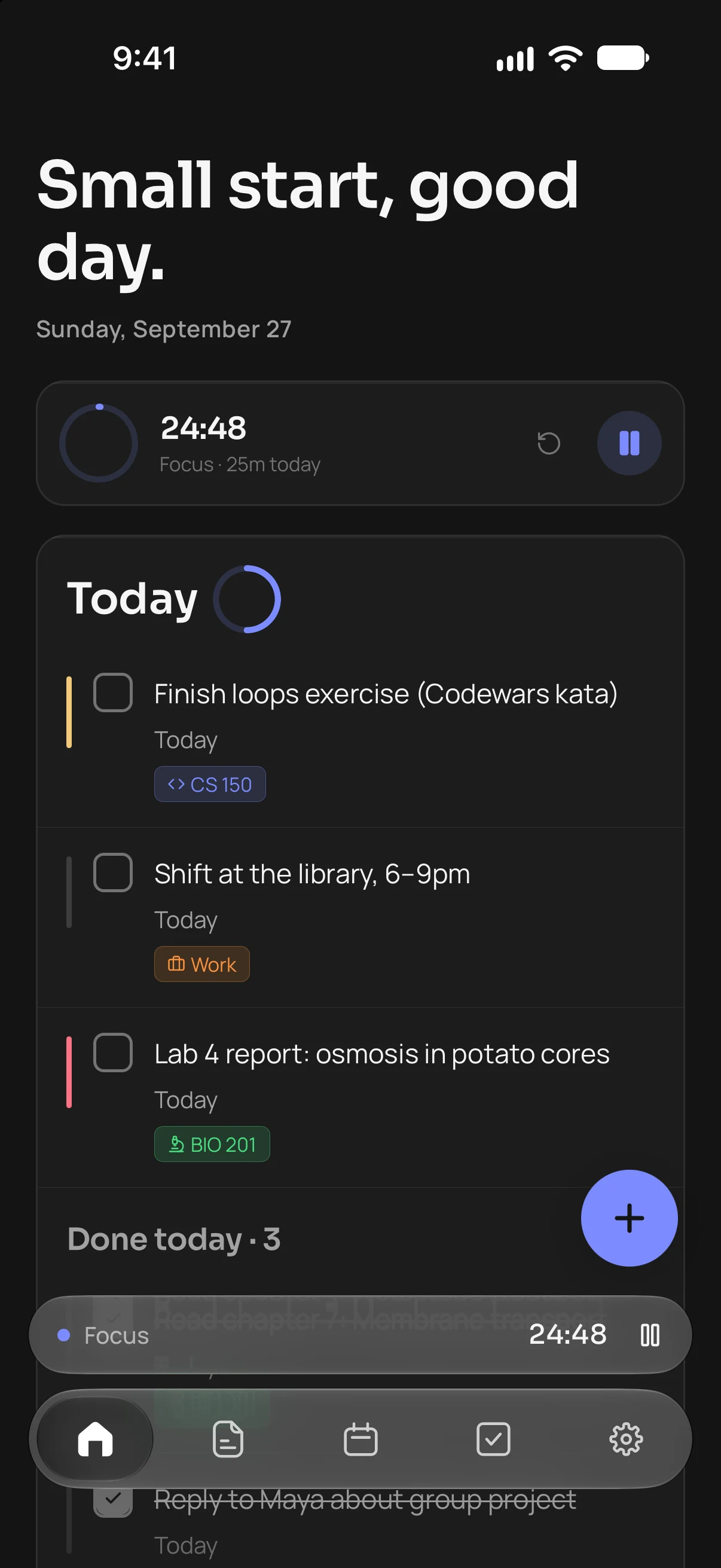
Today, at a glance.
What’s due, what’s slipped and how much of today is done. A task due next Friday belongs to Friday, whenever you tick it off.


Focus · for students
A quick tour
01 / 05
What’s due, what’s slipped and how much of today is done. A task due next Friday belongs to Friday, whenever you tick it off.
02 / 05
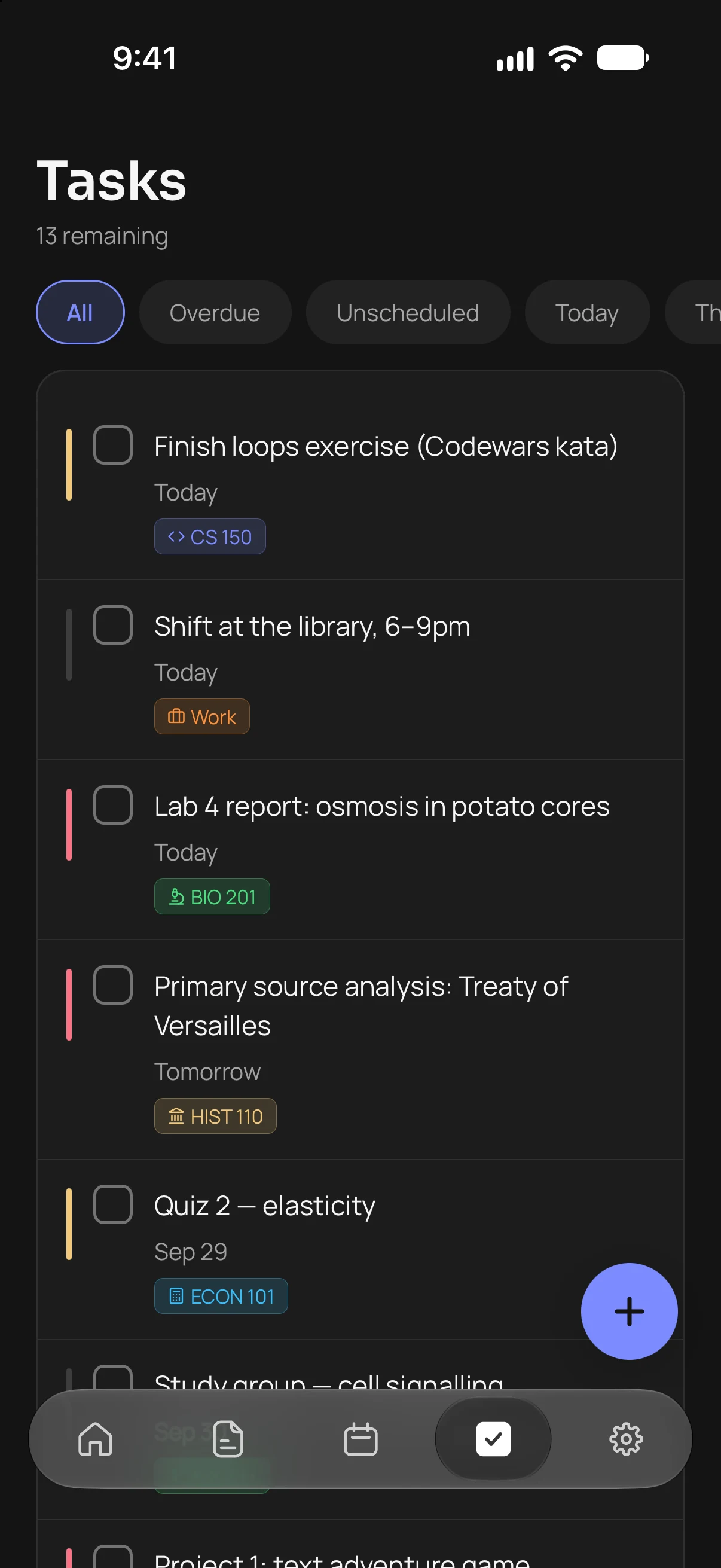
Repeats, reminders, and tags in any colour with thirty icons. Priority colours the whole app, so a heavy week reads as one the moment you open it.
03 / 05
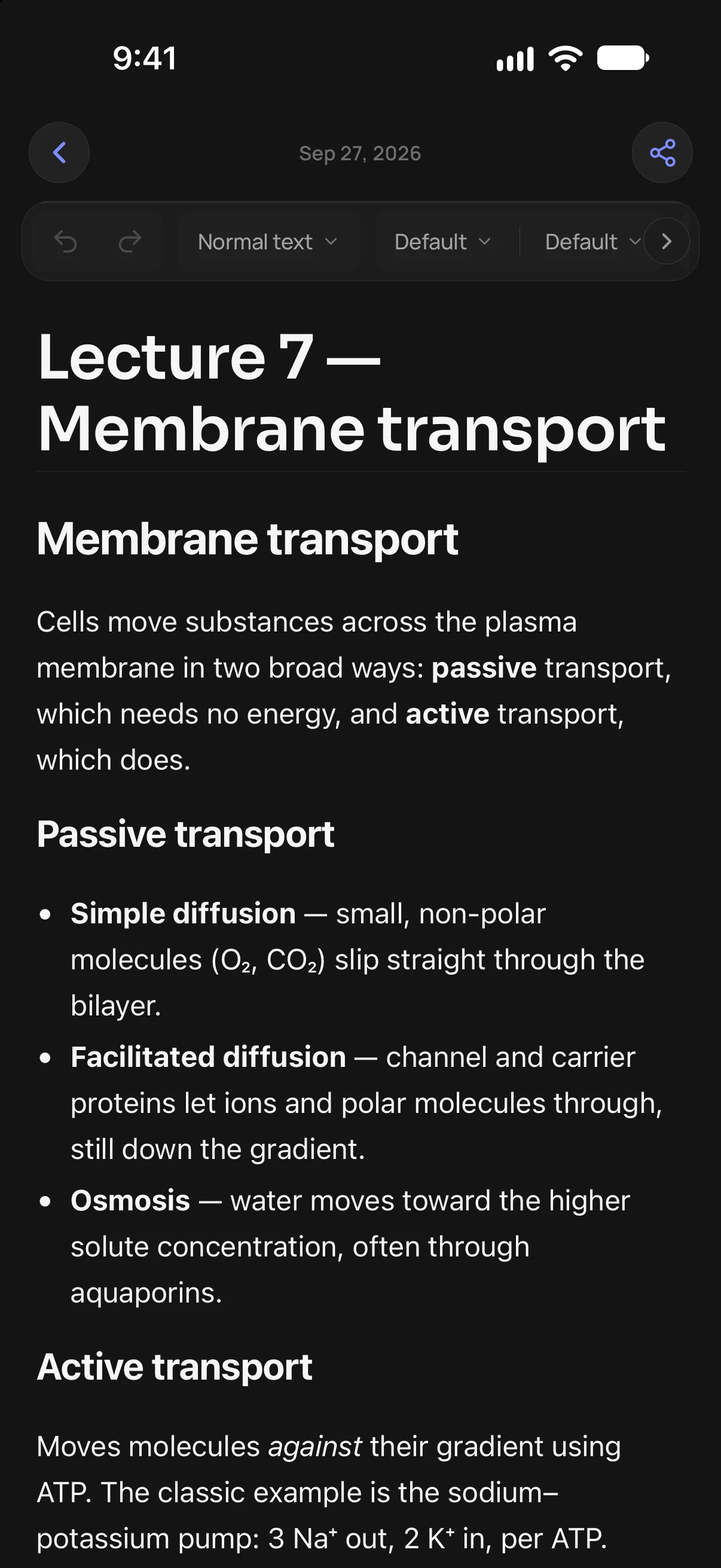
A toolbar laid out like Google Docs, with photos, tables, six fonts and colours that adapt to your theme. Drop any task into a note as a card you can tick off right there.
04 / 05
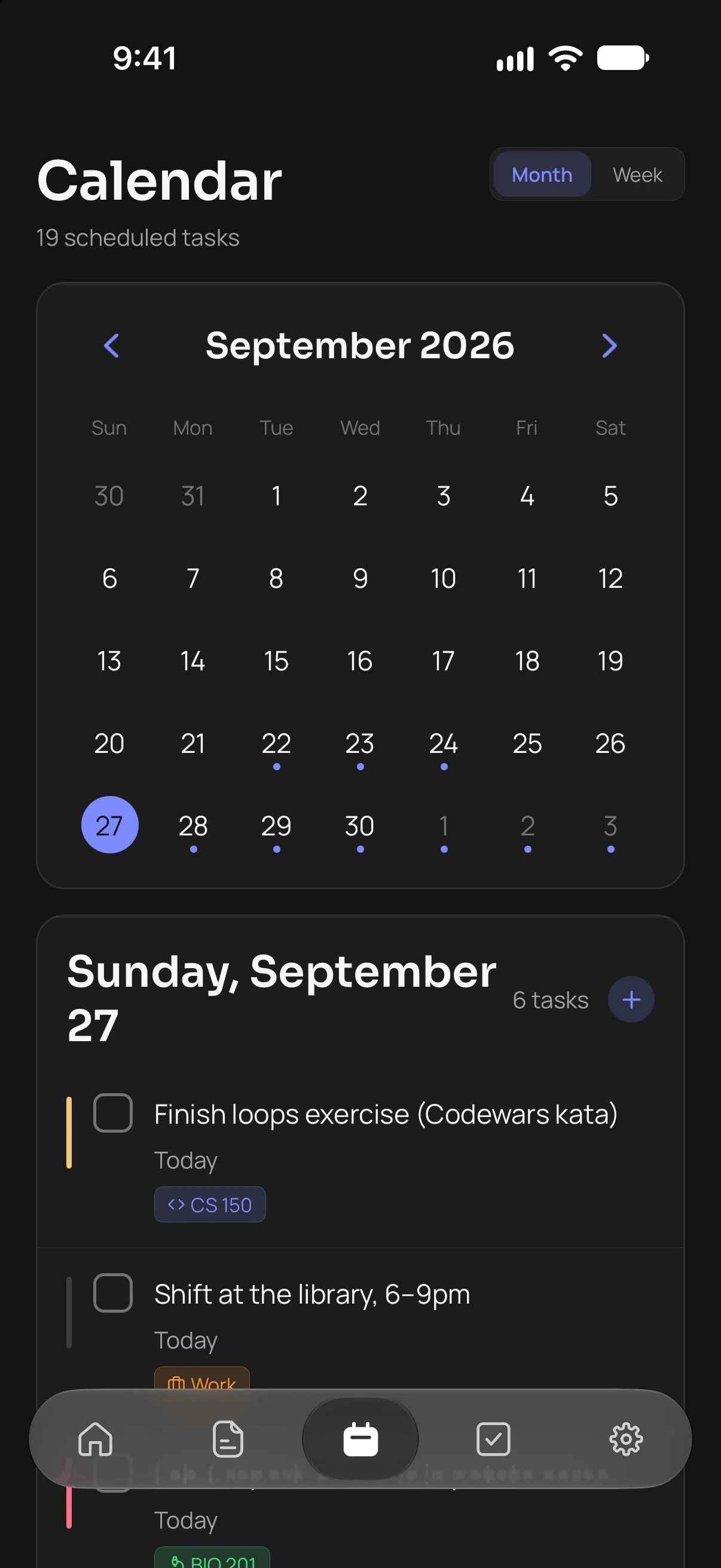
Month and week views with everything due marked on its day. Public holidays show where they fall, as labels, never as tasks.
05 / 05
Start a session and it counts down on the Lock Screen and in the Dynamic Island, with pause and end within reach. Your streak keeps you honest about where the time really goes.
Connections
Assignments arrive with their due dates and a course tag you can rename and recolour. Tick one off and Canvas hears about it too.
Events arrive as tasks on the day they happen and refresh with every sync. Focus only asks to read your calendars, never to change them.
On iPhone, Focus reads the calendars already on your phone: iCloud, work accounts, anything you’ve added. You choose which ones count.
Import Markdown, text and web pages, or a whole .zip export from Notion, Obsidian or Bear, colours and checklists included.
Today’s progress, what’s next, what’s overdue and the whole month, on your Home Screen. Tick tasks off without opening the app.
Edits made without a connection are kept and sent the moment you’re back. Changes reach your other devices as they happen.
Focus runs on your iPhone and in any browser, on the same account. Tick something off on your phone and the tab you left open on your laptop catches up on its own.
Waitlist
Focus for iPhone is in private testing. Leave your email and we’ll write once, when it reaches the App Store.